Blog
Practical guides to editing image text, matching fonts, and repairing backgrounds in screenshots, posters, and product labels.
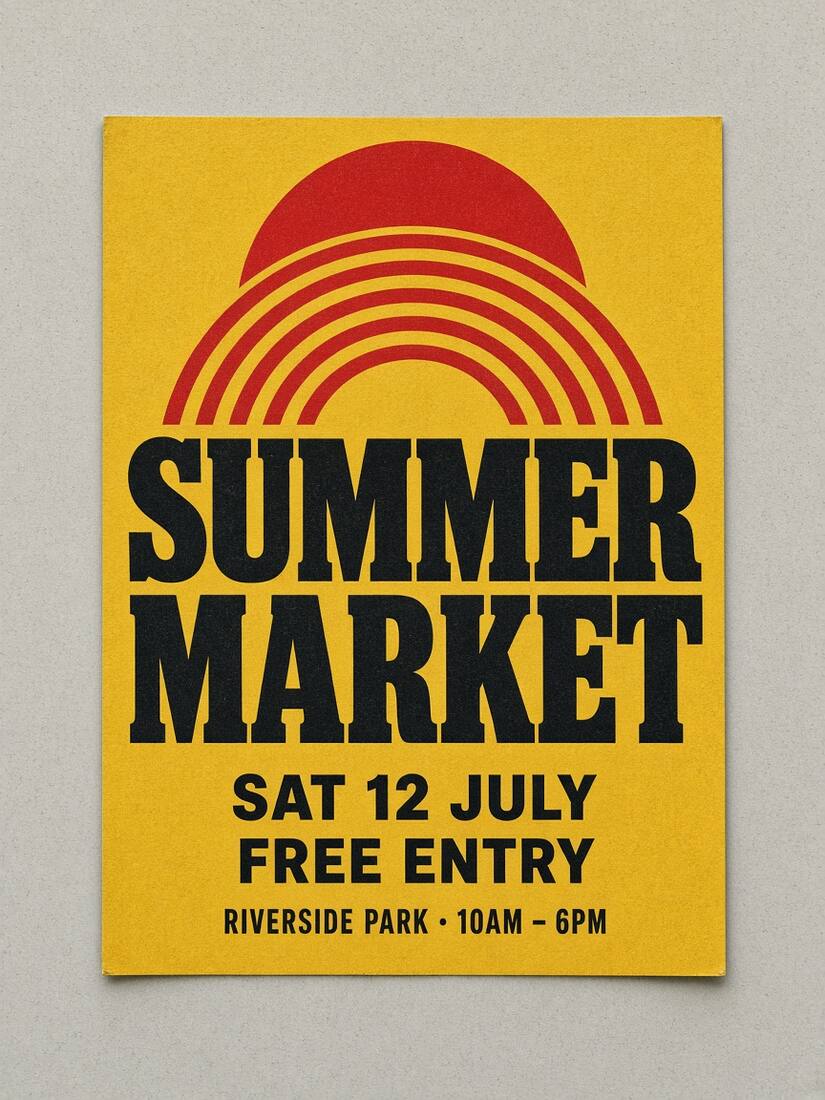
How to match the font when editing text in an image
Fix replacement text that looks different: compare letter shapes, adjust weight and spacing, align the baseline, and fit longer wording without shrinking it too far.
How to remove text while keeping the background natural
Troubleshoot old-letter halos, flat patches and broken texture. Choose a tight text selection, compare local and cloud repair, and inspect the exported image.
Edit screenshot text while keeping the UI consistent
A practical workflow for correcting screenshot labels: review OCR, compare fonts, adjust placement, and keep both an exported image and an editable project.
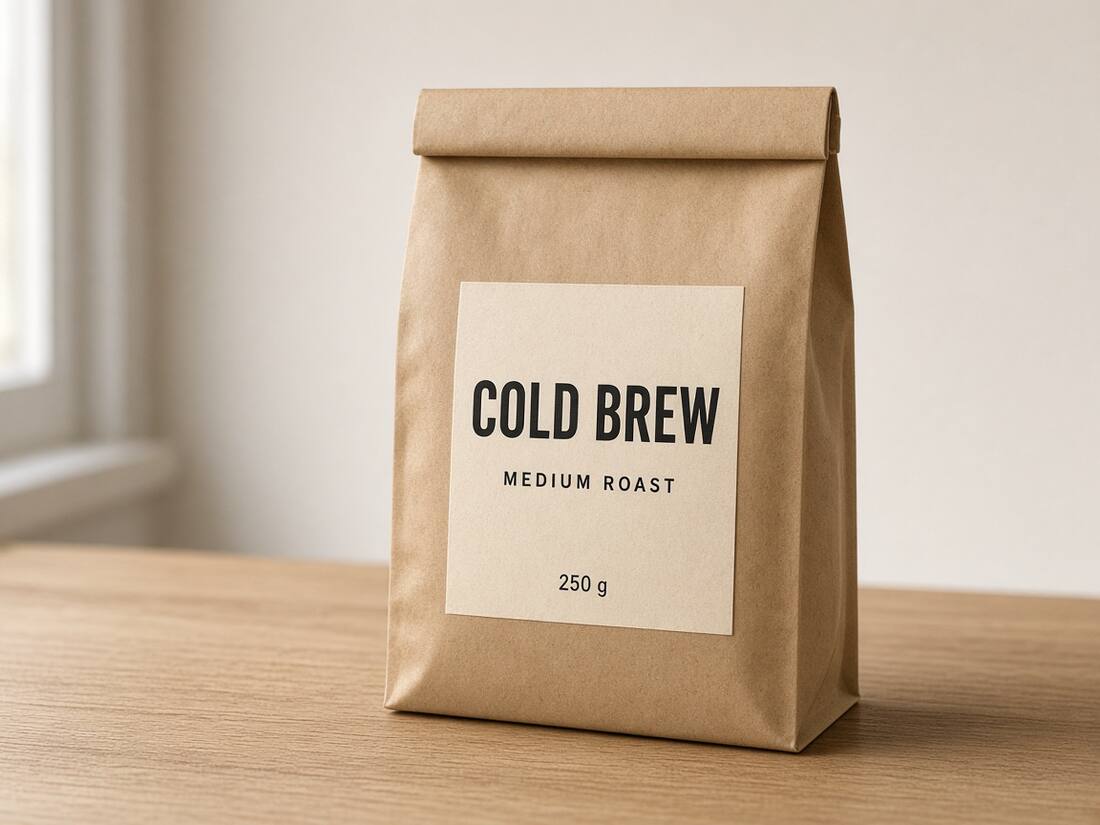
Change text on a product label without losing its visual hierarchy
Edit a short package headline or sample label: check recognition, compare font candidates, fit multilingual wording, repair the background and inspect the exported image.