

Before: SUMMERAfter: WINTER
Update an event poster
The title becomes WINTER MARKET, the date changes to SAT 19 DEC, and the venue becomes LAKESIDE PARK.
- This export uses approximate font matches. The new date is slightly wider than the original.
Image text editor
Edit the text. Keep the design.Update words in posters, screenshots and product images. Fine-tune the font, then download your edit.
or drop a file · paste with Ctrl / ⌘ + V
JPG, PNG or WebP
Local editing keeps your image in this browser. Cloud recognition and AI repair upload it for processing.
Real editor export with an approximate font match. The new date is slightly wider than the original.
Choose an image or try a sample. Your workspace opens right here.
Select the text, type your new words, and adjust the font and position.
Review the result, then save your edited image at its original resolution.
Actual editor exports
Compare three saved results with their original images. Each example shows a different task and the details to check before you export.
The title becomes WINTER MARKET, the date changes to SAT 19 DEC, and the venue becomes LAKESIDE PARK.
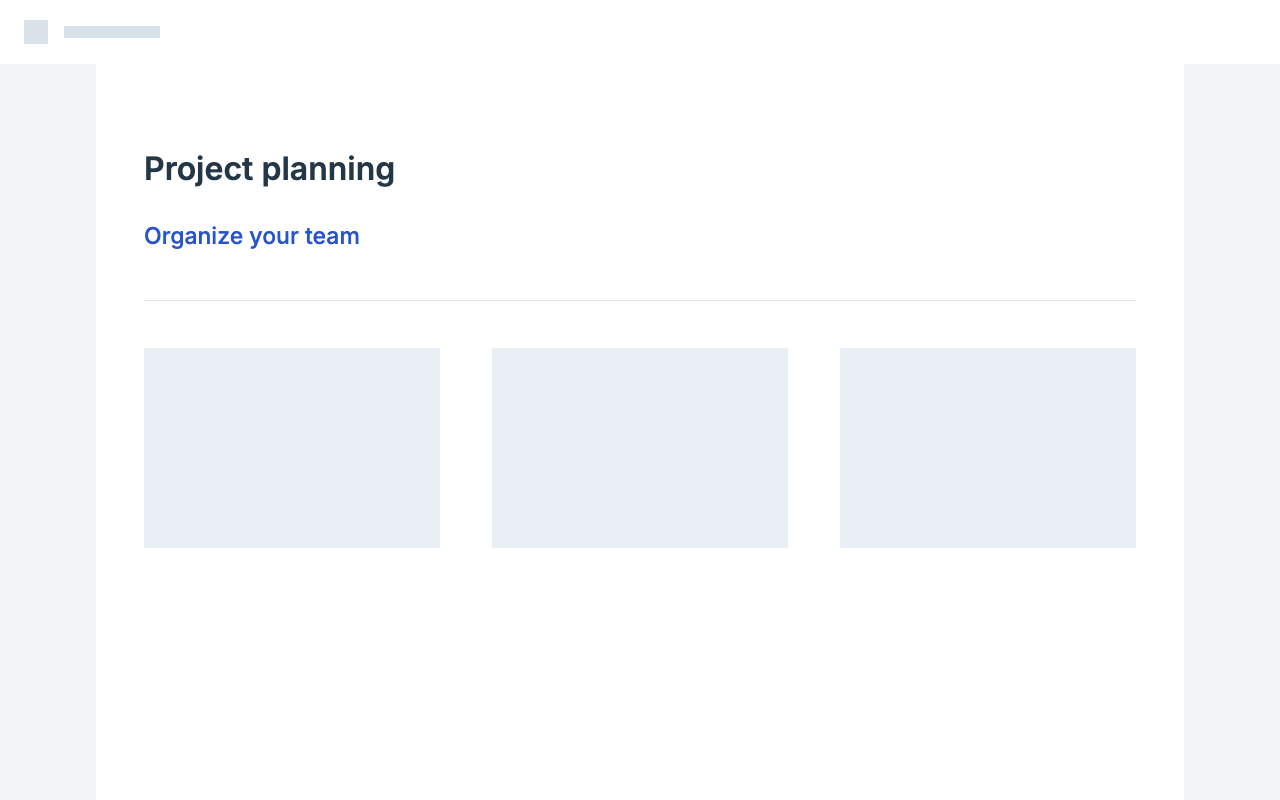
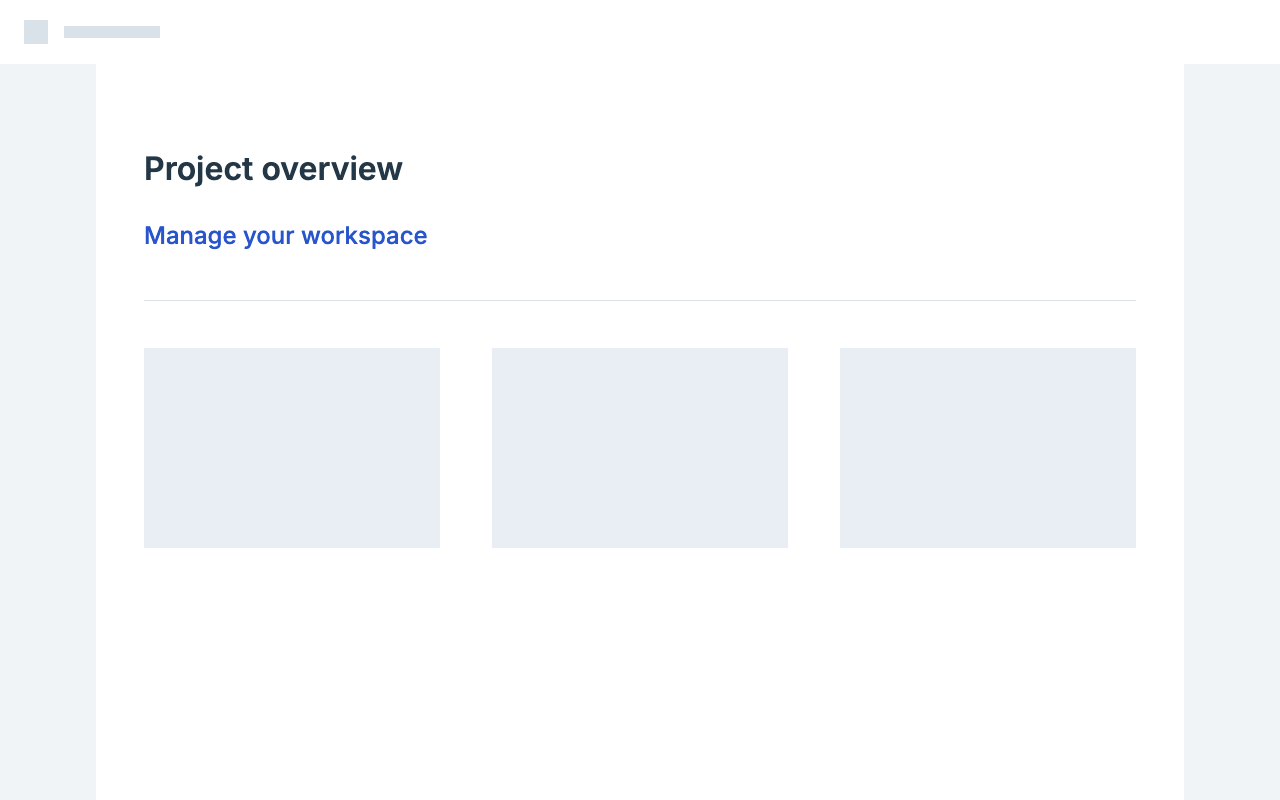
Project overview becomes Project planning, and Manage your workspace becomes Organize your team.
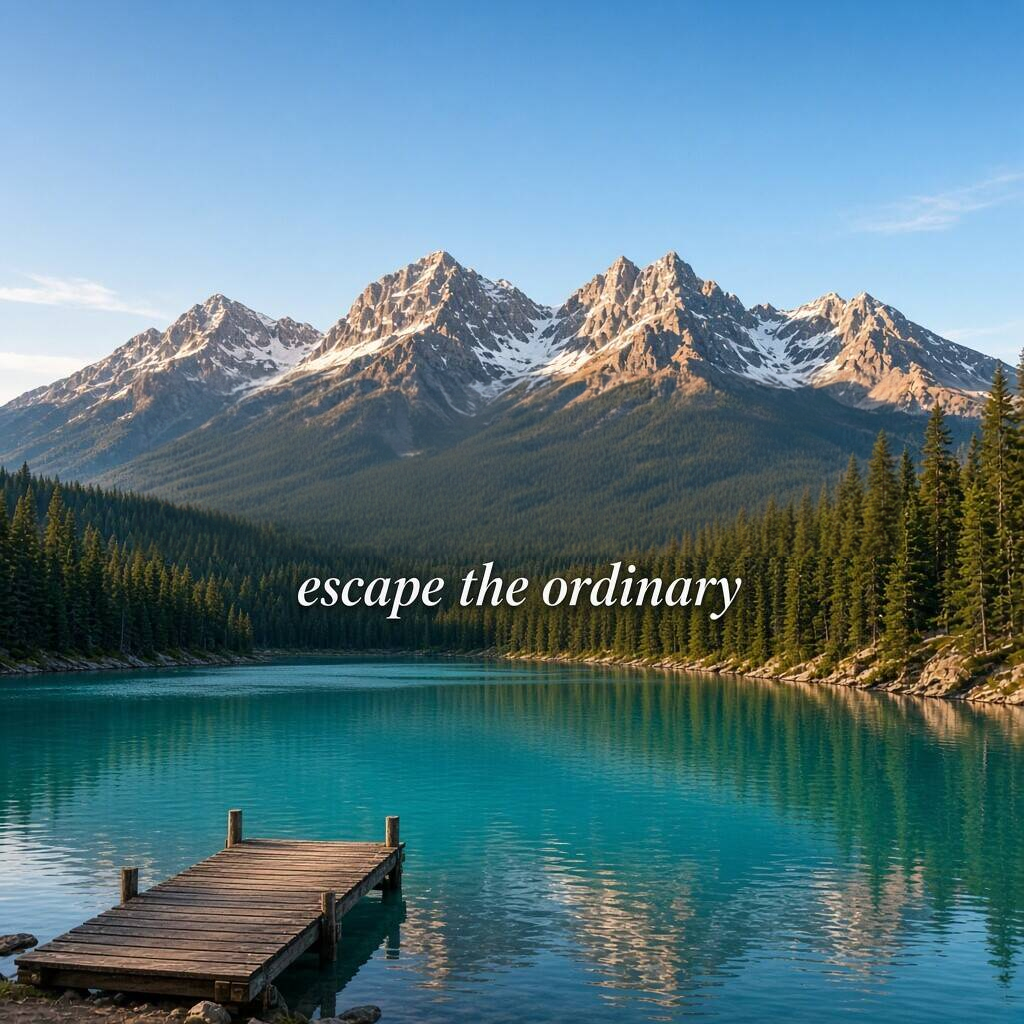
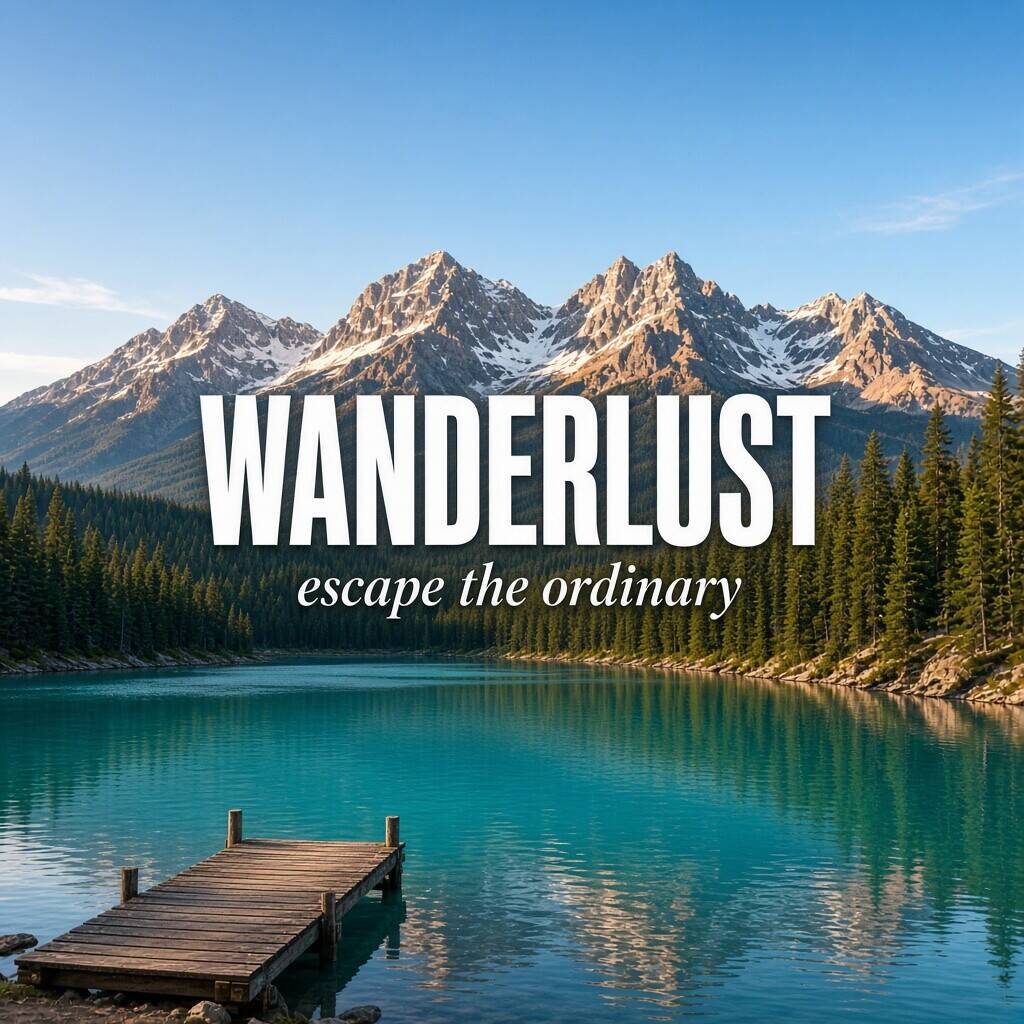
A manual selection removes WANDERLUST while keeping the smaller escape the ordinary caption.
Drag a divider or use the left and right arrow keys. These are individual examples; font matching and background repair vary with your image.
A useful first result is only the beginning. Keep control over the letters, their placement and the repaired background so you can make a small correction without rebuilding the whole design.
Start with a suggested font, sampled color and estimated size. Compare the letter shapes with the original and adjust weight, spacing and alignment. Suggestions are a starting point, especially for custom lettering, rather than a guarantee of an exact match.
Repair the region behind the old letters using the surrounding image as a guide. Simple colors and gentle gradients are usually easier to assess than detailed textures. Preview the patch before accepting it, and retry or refine the selection if visible artifacts remain.
The editor limits background repairs to selected regions and keeps the original image for export. Review edges where a patch meets untouched pixels. PNG avoids another lossy compression step; JPG can be useful when a smaller delivery file matters more.
Default local recognition, text styling, blur, pixelation and solid covers run in your browser. Your image is sent for processing when you choose cloud recognition or run AI background repair.
Need a specific operation or file workflow? Open its dedicated page for instructions and the appropriate editing mode.
Change the wording while keeping its place in the design. Compare suggested fonts, adjust spacing and fit longer text before downloading.
Select the caption to erase and inspect the repaired area before downloading. Flat graphics and detailed photos need different levels of background repair.
Recognize text locally or draw boxes, then hide it in your browser. Cloud recognition is an optional choice that sends an image copy for processing.
Keep the image you like and replace the words that are wrong. Correct the selection, enter the intended spelling, and check the font and repaired background.
Update labels in product screenshots for documentation, demos and training. Paste the original capture, check small text and baselines, and download a PNG at the original dimensions.
Change an event date, venue or headline without starting the design again. Edit each line, fit the new wording, and compare the result before downloading.
Repair selected text areas and add editable wording. Export PNG to avoid further JPEG compression, or choose JPG for a smaller file.
Change wording in transparent labels, badges and exported graphics. Keep the original canvas size, check letter edges over transparency, and download PNG.
Local text editing is free. Standard cloud background repairs include a daily free allowance. Buy credits for additional repairs; credits are valid for 12 months.
Free
Local editing and daily cloud repair allowance
Starter
50 credits
Plus
160 credits
Pro
500 credits
Local recognition and text, font and color changes are free. Credits apply when you run cloud AI background repair: 1 for standard, 2 for HD. A submitted job can include several selected regions; it is charged once. Failed jobs automatically return paid credits.
Practical answers about editing image text, matching the style and keeping your work.
Start editing locally for free. Includes 3 standard cloud background repairs per day, with no account needed.