Remove text from an image — and rebuild what was behind it
Select the caption to erase and inspect the repaired area before downloading. Flat graphics and detailed photos need different levels of background repair.
Original image

Downloaded result
Drop an image to edit its text
or paste from clipboard (Ctrl/⌘ + V)
JPG, PNG or WebP · original-resolution export · up to 32 megapixels
Local recognition keeps your image in this browser. Cloud options are available below.
Try a sample:
Recognition settings & projects
Local recognition is selected. You can change the method below.
Best for clear, straight text, up to 20 megapixels. Recognition files download on first use; your image stays in this browser.
Projects stay in this browser. Default local recognition keeps your image here; choosing cloud recognition or AI background repair sends images for processing.
Original image
Downloaded result
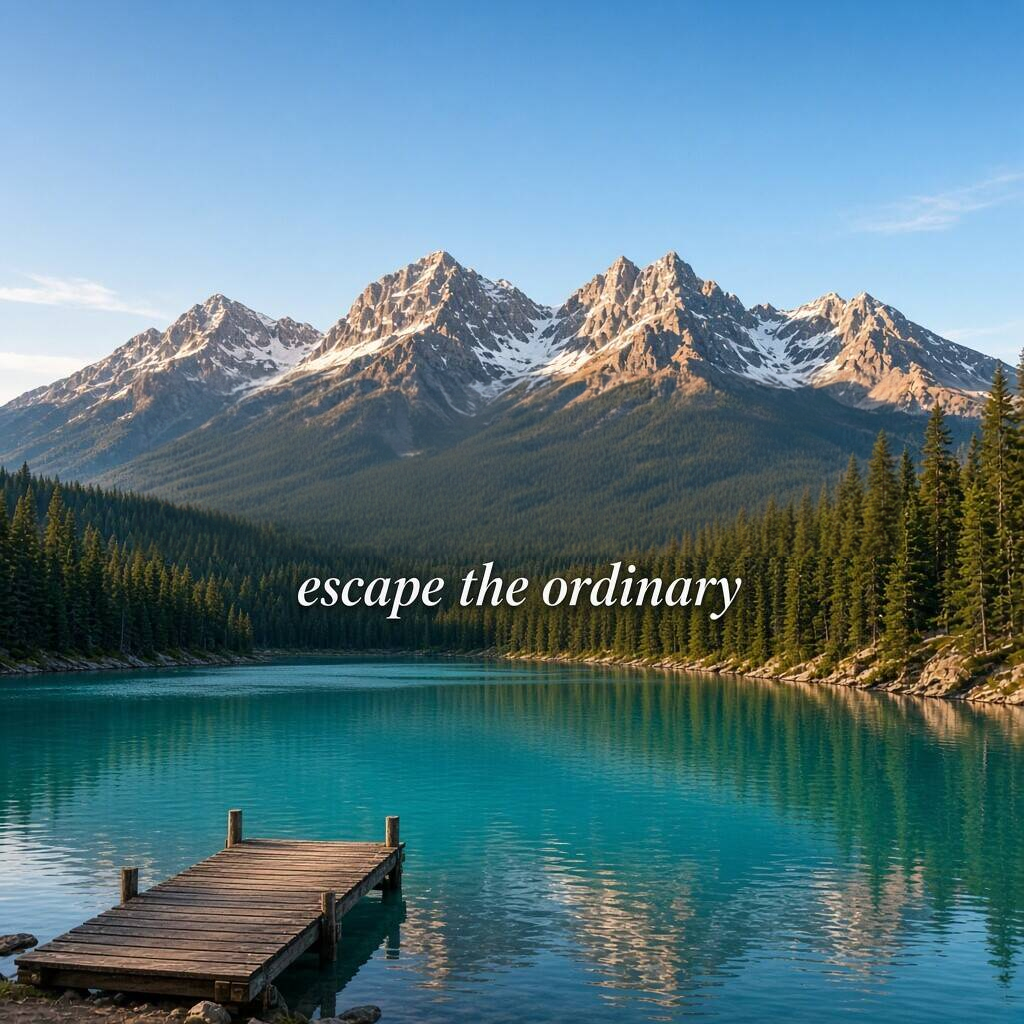
Erase the headline, inspect the landscape
WANDERLUST was manually selected and removed with standard cloud repair. The result below is the actual 1024 × 1024 PNG download; the smaller caption remains.
Inspect the edited area at 100% · scroll to compare
Original image
Downloaded result
Use a close selection
Include the whole word and its visible shadow, while keeping nearby captions and objects out of the selected area.
Check texture and straight lines
On a flat panel, look for color seams. On a photograph, check repeated texture, broken lines and shadows where the letters used to be.
Review what stayed
Compare nearby text and graphics with the original. Keep the source file so you can undo, resize the selection or try a different edit.
This single landscape example does not guarantee every repair. Reconstructed detail may differ from the scene hidden under the text; check each result before publishing it.
How to do it
- 1
Choose your image and find the unwanted text. If recognition misses it, draw a close box around the caption.
- 2
Select only the text to erase and choose Apply removal. Complex backgrounds may use cloud repair and the displayed allowance.
- 3
Check the old letter edges and nearby detail. Download PNG when the result is ready; undo and adjust the selection if too much was removed.
Not for IDs, bank cards, receipts, certificates or payment screenshots. Acceptable use
Work through a real example
Frequently asked
Edit the text. Make it yours.
Start editing locally for free. Includes 3 standard cloud background repairs per day, with no account needed.