Update the text in your poster or flyer
Change an event date, venue or headline without starting the design again. Edit each line, fit the new wording, and compare the result before downloading.
Original image
Downloaded result

Drop an image to edit its text
or paste from clipboard (Ctrl/⌘ + V)
JPG, PNG or WebP · original-resolution export · up to 32 megapixels
Local recognition keeps your image in this browser. Cloud options are available below.
Try a sample:
Recognition settings & projects
Local recognition is selected. You can change the method below.
Best for clear, straight text, up to 20 megapixels. Recognition files download on first use; your image stays in this browser.
Projects stay in this browser. Default local recognition keeps your image here; choosing cloud recognition or AI background repair sends images for processing.
Original image
Downloaded result
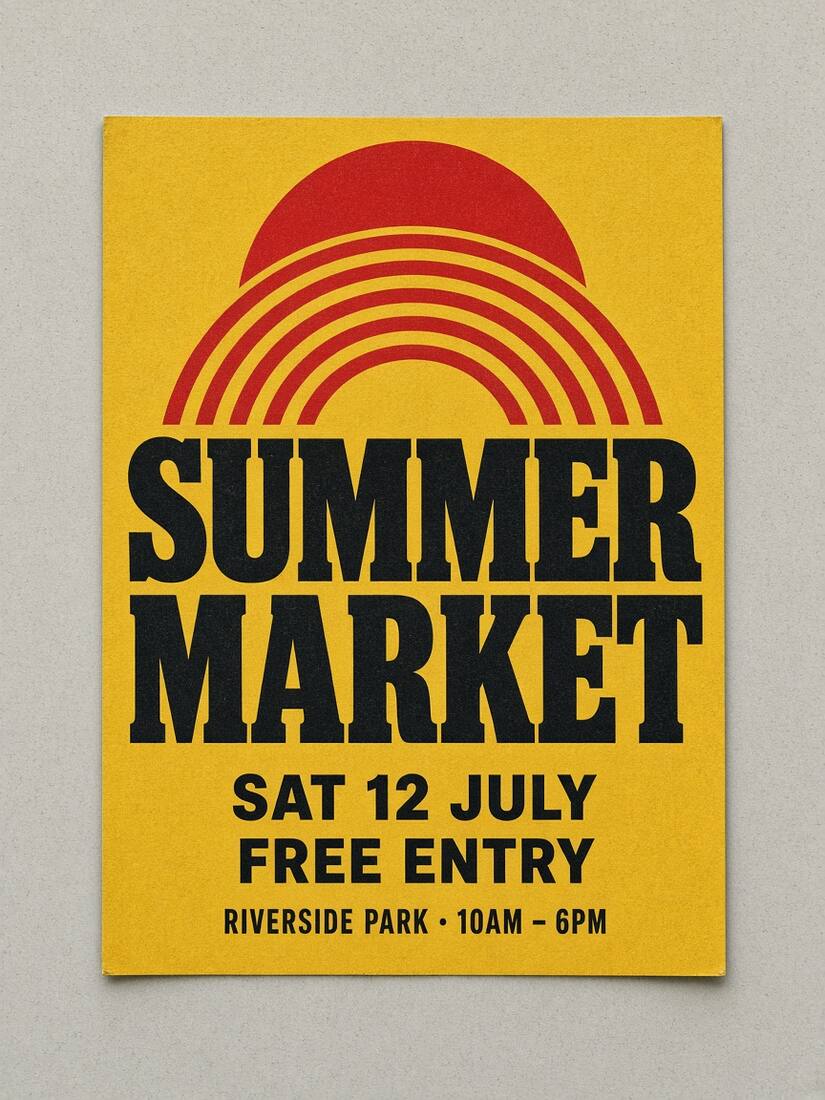
One poster, three event updates
The same source poster becomes a winter event: change the headline, move the date to 19 December, and switch the venue to Lakeside Park.
Inspect the edited area at 100% · scroll to compare
Original image
Downloaded result
Headline: keep it readable
Compare the new headline with the line below it. A longer event name may need shorter wording or a smaller font; a short word should not be stretched to fill the poster.
Date: check every character
Check the day, number and month together. Compare their spacing and make sure the edited date is the one your audience should use.
Venue: preserve nearby details
Keep the time and any directions on the same line correct. Inspect nearby logos, decorative lines and QR codes before sharing the download.
The date in this result is slightly wider than the original lettering. You can adjust its font and spacing. Photos of tilted posters, textured lettering and detailed backgrounds can require manual work or cloud repair.
How to do it
- 1
Upload the original poster JPG, PNG or WebP. Select the title, date or venue; draw a box around a line if recognition misses it.
- 2
Change one line at a time. Compare the suggested font and keep longer dates or place names clear with size, spacing and alignment controls.
- 3
Inspect the repaired background and untouched details. Download PNG or JPG, then open the saved image at full size.
Not for IDs, bank cards, receipts, certificates or payment screenshots. Acceptable use
Work through a real example
Frequently asked
Edit the text. Make it yours.
Start editing locally for free. Includes 3 standard cloud background repairs per day, with no account needed.