Blur, pixelate or black out text in an image
Recognize text locally or draw boxes, then hide it in your browser. Cloud recognition is an optional choice that sends an image copy for processing.
Original image
Downloaded result
Drop an image to edit its text
or paste from clipboard (Ctrl/⌘ + V)
JPG, PNG or WebP · original-resolution export · up to 32 megapixels
Local recognition keeps your image in this browser. Cloud options are available below.
Try a sample:
Recognition settings & projects
Local recognition is selected. You can change the method below.
Best for clear, straight text, up to 20 megapixels. Recognition files download on first use; your image stays in this browser.
Projects stay in this browser. Default local recognition keeps your image here; choosing cloud recognition or AI background repair sends images for processing.
Original image
Downloaded result
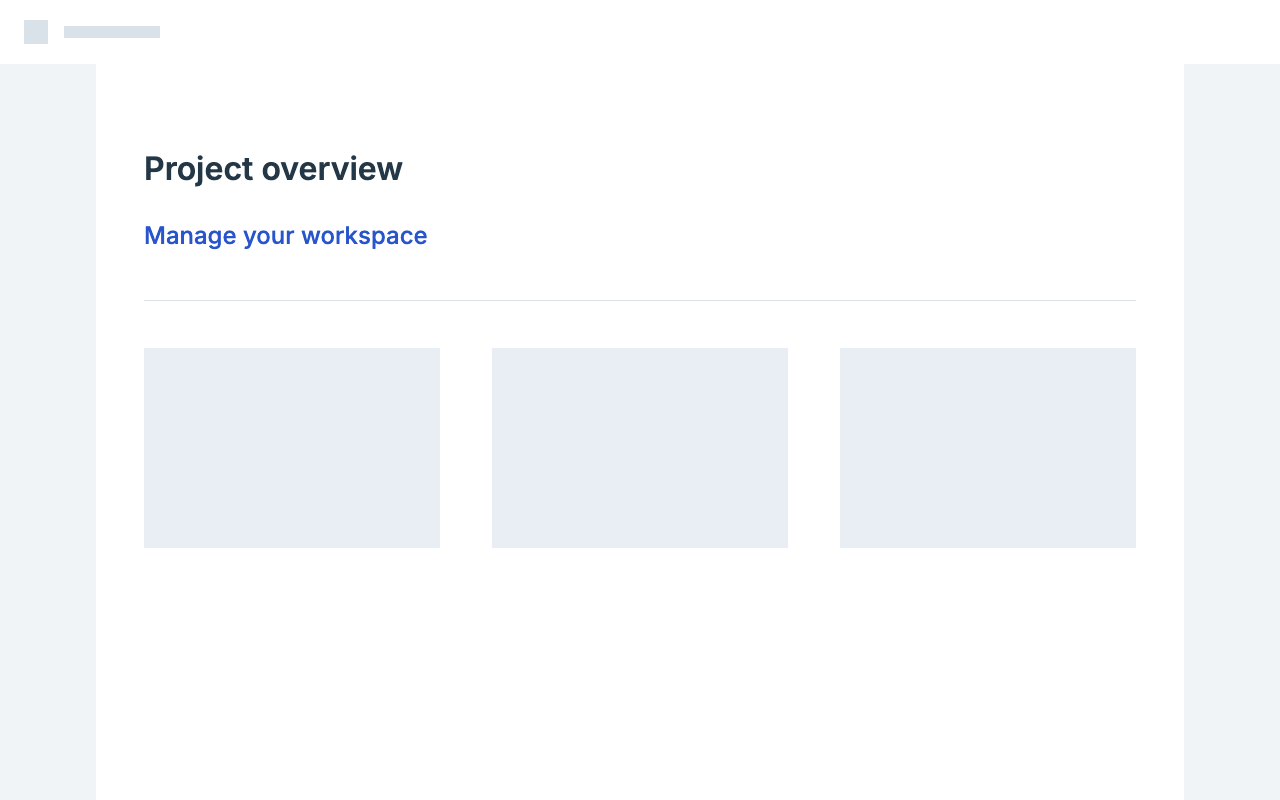
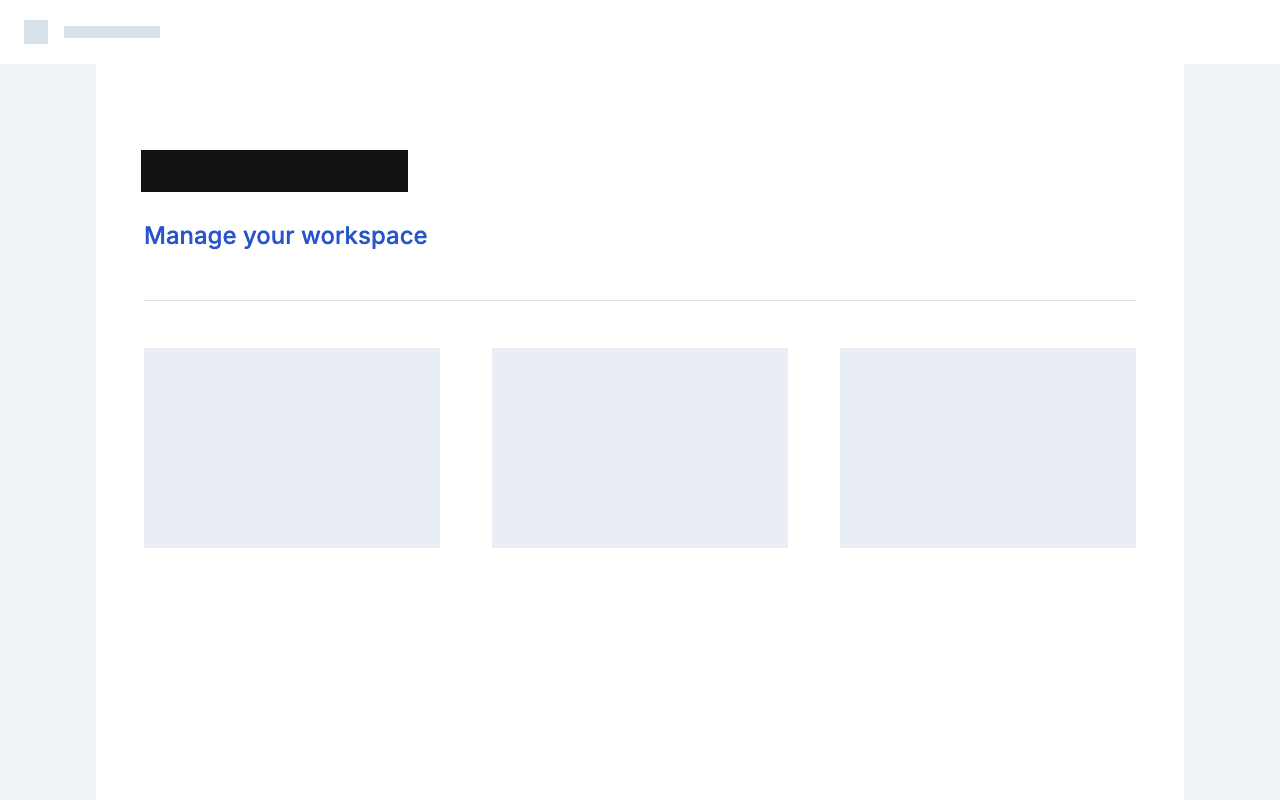
Hide one line and keep the screenshot readable
In this screenshot, we selected Project overview, chose Black bar and exported the image locally. The subtitle and surrounding layout remain visible, so you can inspect exactly what was covered.
Inspect the edited area at 100% · scroll to compare
Original image
Downloaded result
Cover the whole text line
Zoom in to check the left and right edges. Draw or adjust a box if recognition misses a character or part of a number.
Choose the cover deliberately
Blur and pixelation preserve some visual structure. Use a solid Black bar when the text should be fully covered in the exported image.
Review the downloaded image
Check the final export at full resolution, including other names or numbers elsewhere in the screenshot. This example keeps the subtitle intact.
Inspect every selected area before sharing. The editable project retains the source image, so share the PNG or JPG export when you want to hide information.
How to do it
- 1
Choose or paste a screenshot. Use default local recognition or draw boxes around the text to hide.
- 2
Select the boxes or detected text lines, then choose Pixelate, Blur or Black bar.
- 3
Press Apply and download. Local concealment is free and has no daily usage quota.
Not for IDs, bank cards, receipts, certificates or payment screenshots. Acceptable use
Work through a real example
Frequently asked
Edit the text. Make it yours.
Start editing locally for free. Includes 3 standard cloud background repairs per day, with no account needed.