Edit text in a screenshot without a design tool
Update labels in product screenshots for documentation, demos and training. Paste the original capture, check small text and baselines, and download a PNG at the original dimensions.
Original image
Downloaded result
Drop an image to edit its text
or paste from clipboard (Ctrl/⌘ + V)
JPG, PNG or WebP · original-resolution export · up to 32 megapixels
Local recognition keeps your image in this browser. Cloud options are available below.
Try a sample:
Recognition settings & projects
Local recognition is selected. You can change the method below.
Best for clear, straight text, up to 20 megapixels. Recognition files download on first use; your image stays in this browser.
Projects stay in this browser. Default local recognition keeps your image here; choosing cloud recognition or AI background repair sends images for processing.
Original image
Downloaded result
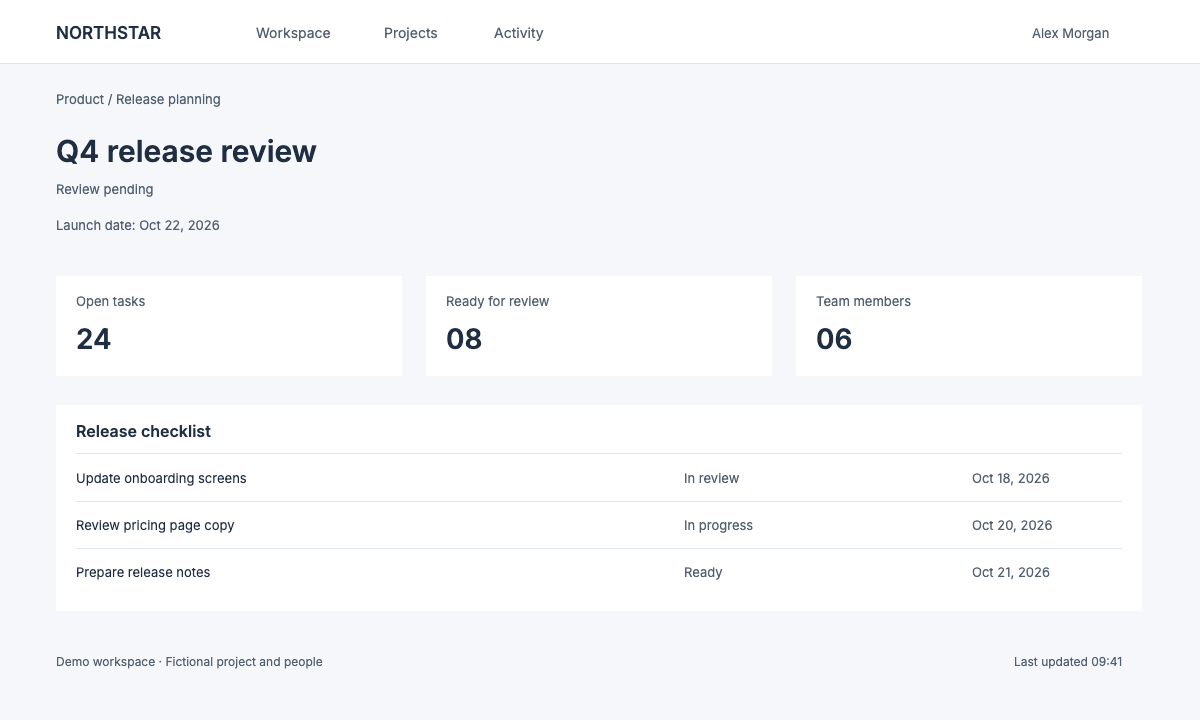
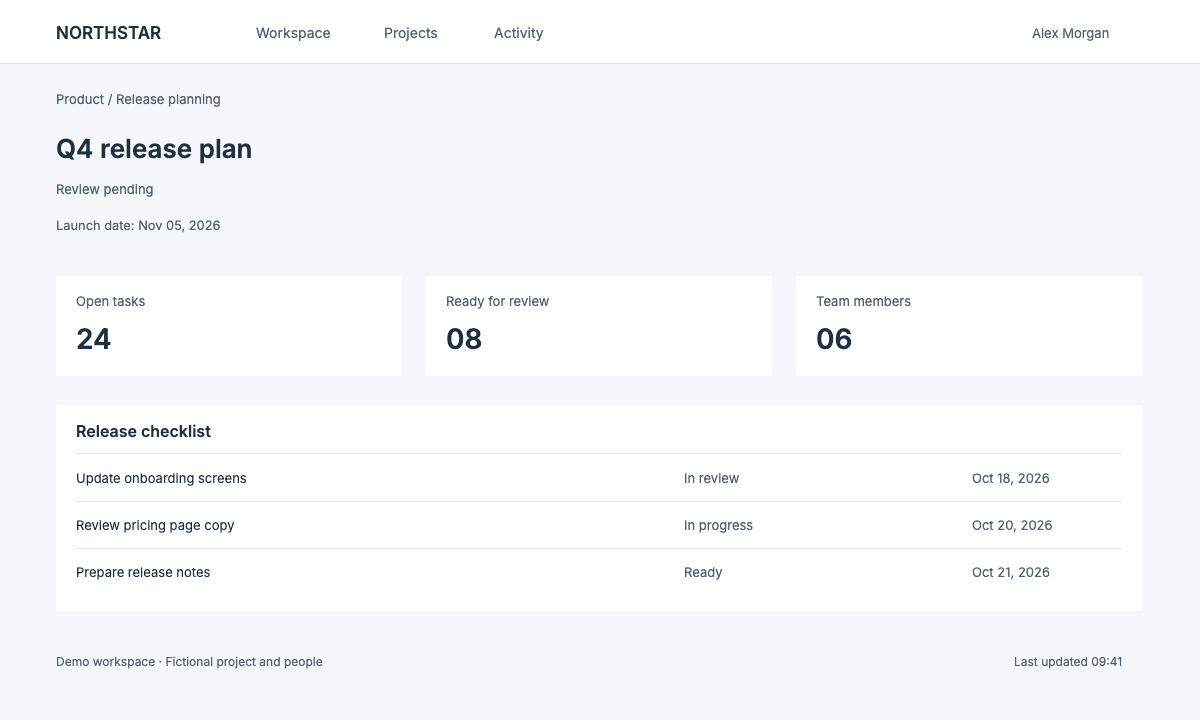
Change a heading and date in a complete interface
This original demo interface includes small labels, cards and unchanged surrounding text. The edit updates its release heading and launch date. Both images are available at 1200 × 720 so you can inspect the letters at their actual size.
Inspect the edited area at 100% · scroll to compare
Original image
Downloaded result
Start from the original screenshot
Use the original PNG when available. Repeated JPEG saves and screenshots of screenshots can make small UI text harder to recognize and match.
Keep labels on the same baseline
Match the alignment of nearby labels. If a longer product name becomes too small, shorten the label or adjust the available space.
Review the exported PNG
Open the download at full size to check small letters, card edges and dividers. For private text, use a solid cover instead of replacing it with another name.
These are original demo interfaces, not customer screenshots. They test editing on flat UI backgrounds. Tiny compressed letters, translucent panels and text over photos can need manual selection or background repair. Always check the recognized original before replacing it.
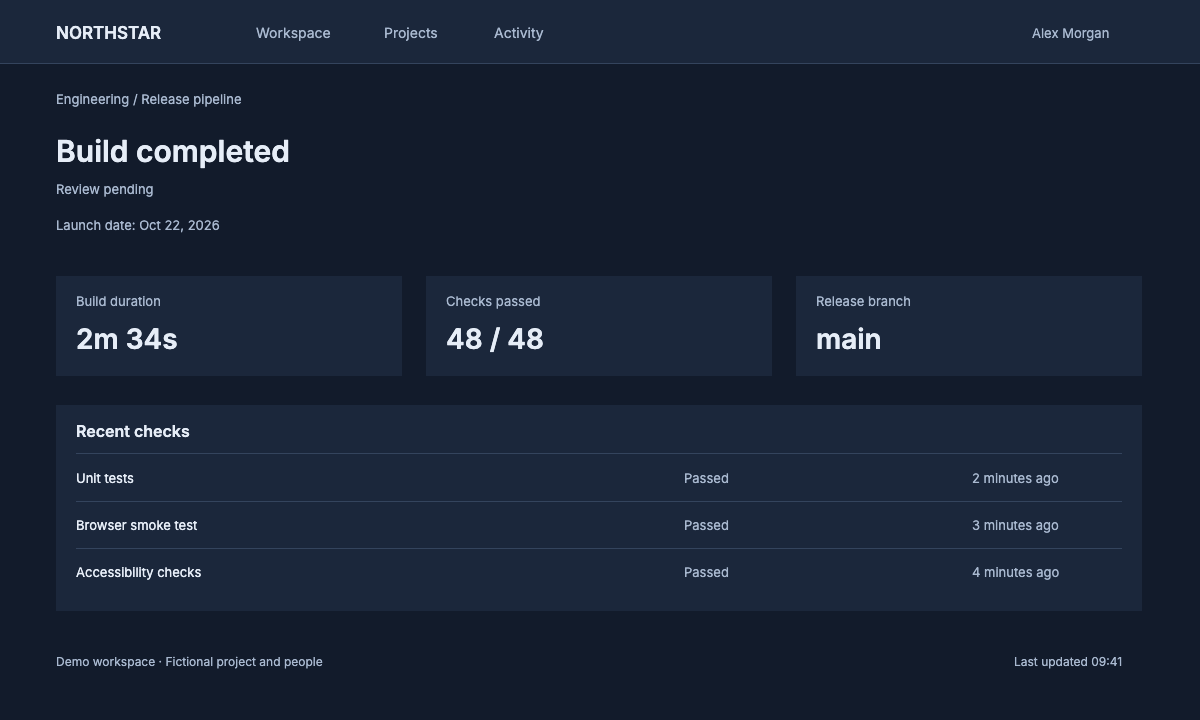
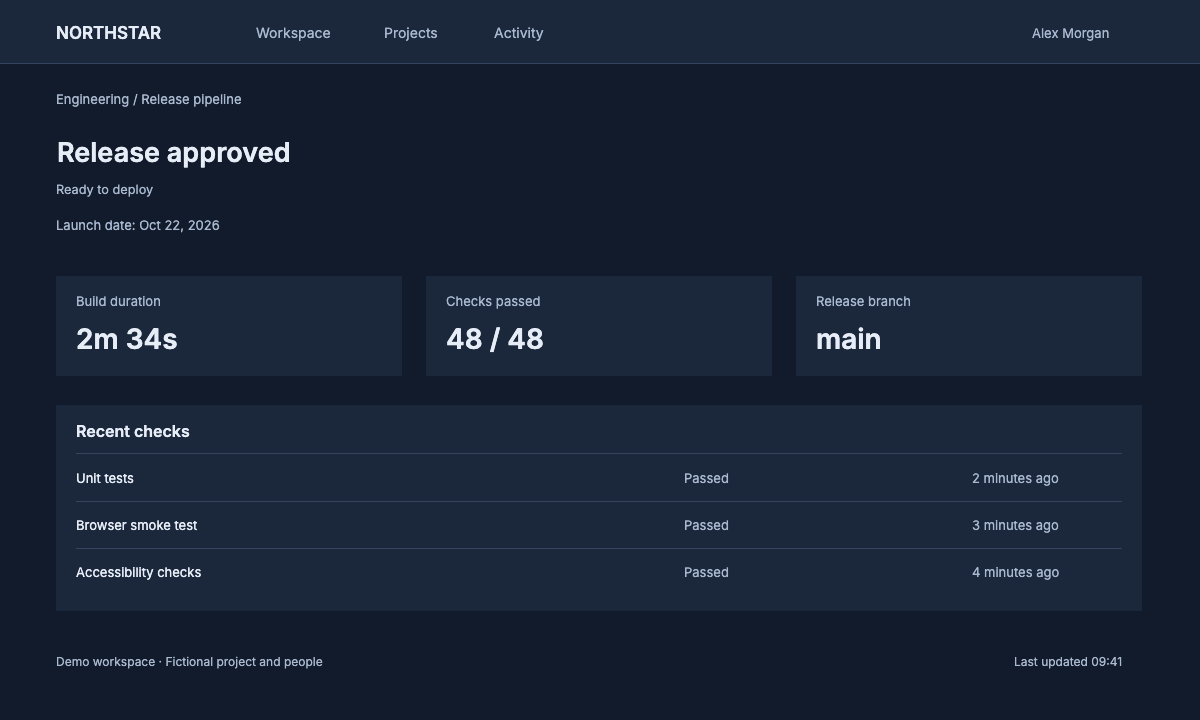
Dark UI: check light letters against their panel
Change Build completed to Release approved and Review pending to Ready to deploy. Compare the replacement color, weight and baseline with the unchanged light labels around it. Select the Dark UI sample above to try your own wording.
Inspect the edited area at 100% · scroll to compare
Original image
Downloaded result
Follow the screenshot edit in four steps
How to do it
- 1
Paste with Ctrl/⌘+V or choose a screenshot. Local recognition starts with Auto for English and Chinese; check the detected words and draw a box around a missed line.
- 2
Select a UI label and enter its replacement. Compare the font, baseline and spacing with the surrounding interface.
- 3
Export PNG at the original screenshot dimensions within supported limits. Analysis uses a separate, smaller copy when needed; inspect the edited text at full size before sharing.
Not for IDs, bank cards, receipts, certificates or payment screenshots. Acceptable use
Work through a real example
Frequently asked
Edit the text. Make it yours.
Start editing locally for free. Includes 3 standard cloud background repairs per day, with no account needed.